User documentation: Text Style Transformation Tool#
Purpose#
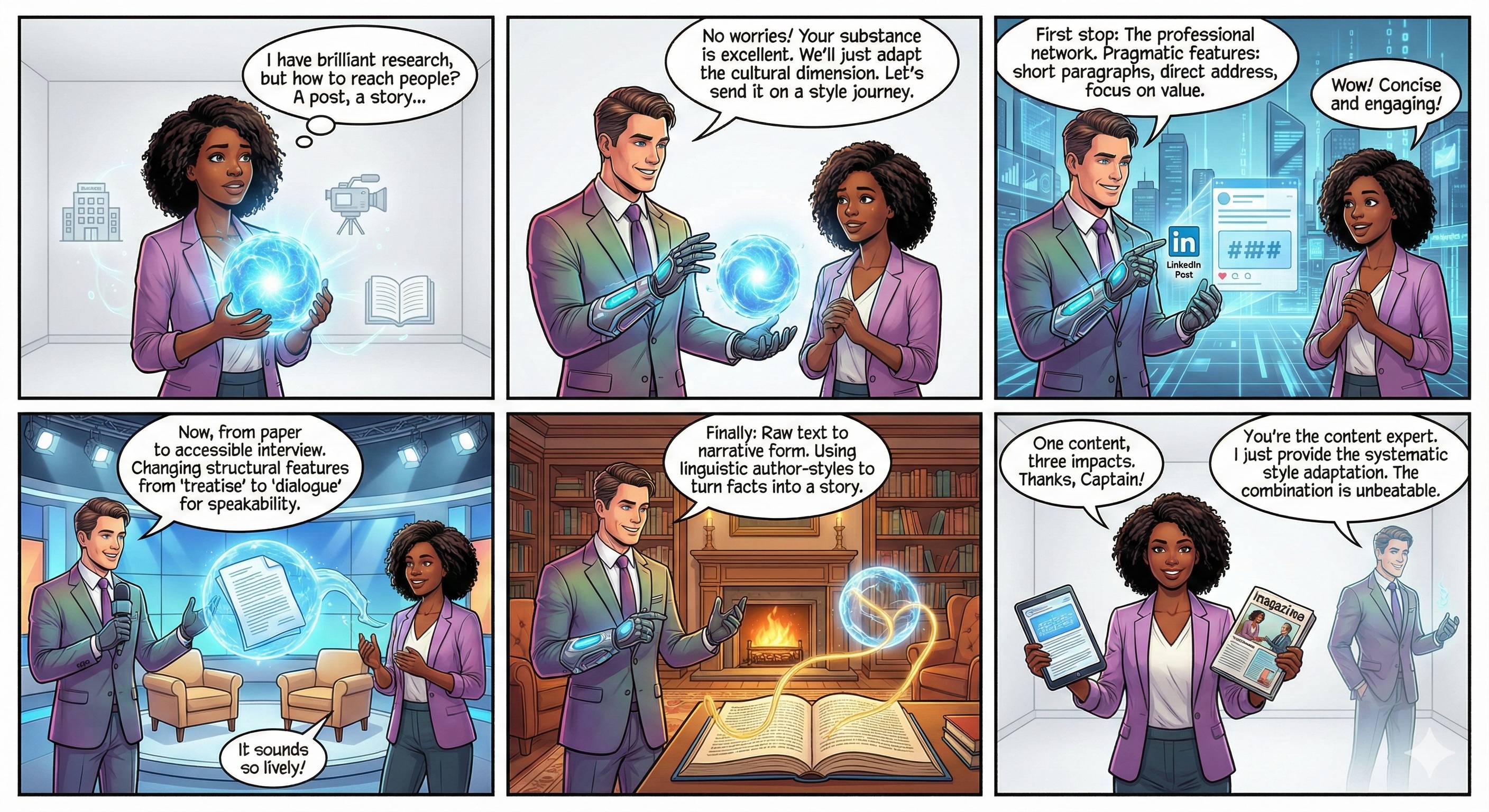
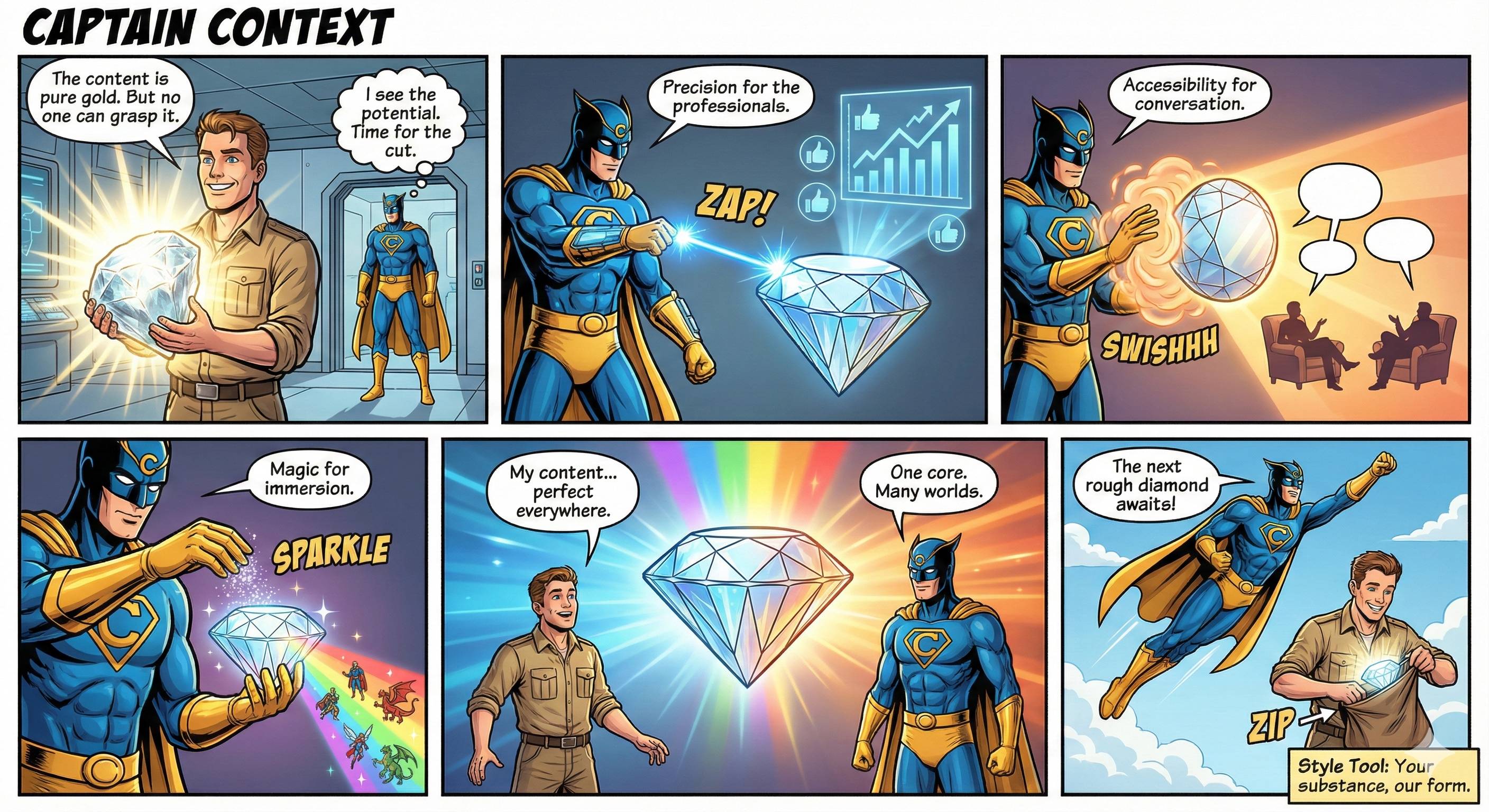
The Text Style Transformation Tool is used to systematically adapt texts to defined writing styles. It enables the reformulation of academic, professional, or other texts according to specified stylistic patterns without changing the technical content.
Basic principle: The tool analyzes stylistic features from reference texts (e.g., sentence structure, degree of formality, technical terminology) and applies them to new content. This allows you, for example, to convert an informal draft into a formal technical article or to create different text variants for different target groups.
Range of functions#
The tool offers four core functions:
Transform: Adapts existing texts to stored or uploaded style profiles. You can choose between predefined profiles or create your own.
Analyze style: Extracts linguistic, lexical, pragmatic, and structural features from sample texts. The result is a structured style profile with quantified parameters.
Fine-tuning: Refines style profiles by comparing original and manually edited text versions. The tool recognizes systematic change patterns and integrates them into the profile.
Style overview: Visualizes the features of saved profiles and allows them to be exported in various formats (JSON, TXT, ZIP).
Operation#
Requirements#
You need a locally running language model with an OpenAI-compatible API (e.g., LM Studio, Ollama). Configuration is done via the .env file, specifying the API URL and model name.
Step-by-step instructions#
1. Transform text
- Select a style profile (stored, uploaded, or as a direct prompt)
- Upload the text to be transformed (formats:
.txt,.md,.docx) or paste it directly - Check the number of tokens (maximum: 200,000)
- Click on “Transform text”
- Edit the result manually if necessary
- Export the result in your desired format
2. Analyze style
- Upload your own texts (optional: source style)
- Upload examples of the target style OR describe the desired style in text form
- Click on “Analyze style”
- Check the analysis result
- Export the style profile as a JSON, TXT, or ZIP package
3. Refine style profile
- Optionally, upload a base profile as a starting point
- Enter an original text fragment
- Create your ideal target version (manually or pre-filled with the base profile)
- Click on “Analyze change patterns”
- Repeat the process with up to 5 text pairs
- Export the refined profile
Important notes#
- Token limit: The maximum input size is 250,000 tokens, but 200,000 tokens are recommended to leave room for the model response.
- Supported formats: Import:
.txt,.md,.docx| Export:.txt,.md,.docx,.json,.zip - File sizes: Maximum upload size per file: 10 MB
- Built-in profiles: The tool contains four predefined profiles (Academic University, LinkedIn Post, Technical Documentation, Customer Email).
Example of use#
Initial situation: You have written a scientific research proposal for a grant application that is still too informal.
Procedure:
- Open the “Transform” tab.
- Select the stored profile “Academic University.”
- Upload your draft as a
.docxfile. - The tool displays the number of tokens (e.g., 12,450 tokens).
- Click on “Transform text.”
- After about 30-60 seconds, the transformed version appears in the right-hand text field.
- Compare the original and the transformed version: the sentence length has been increased, the nominal style has been reinforced, and passive constructions have been inserted
- You notice that some technical terms are still too general
- Enter the following in the feedback field: “Use more subject-specific terminology from empirical educational research”
- Click on “Transform again”
- Export the final result as
.docx
Result: A formally appropriate funding application with a higher degree of formality, precise technical terminology, and an academically appropriate structure.
Recommendations for efficient use#
- Iterative approach: Use the feedback function for gradual refinements rather than immediate perfection
- Create your own profiles: Analyze your best previously written texts to develop a personal style profile
- Use fine-tuning: If you regularly manually adjust AI-generated texts, let the tool learn these change patterns
- Note the token budget: Divide very long documents into thematic sections that you transform individually
- Target texts instead of descriptions: For more precise results, upload concrete sample texts instead of textual style descriptions
- Export profiles: Save successful style profiles as a ZIP package for later reuse or sharing
System limitations#
The tool cannot:
- Evaluate or correct technical content (it only changes the style, not the substance of the content)
- Detect logical errors or inconsistencies in the source text
- Completely preserve complex formatting (tables, graphics, footnotes) from DOCX files
- Translate texts into other languages (it works exclusively with German-language content)
- Stylistically adapt original source references or quotations (these should remain unchanged)
Technical limitations:
- The tool requires a connection to a local language model
- The quality of the transformation depends on the performance of the model used
- Very long texts (over 200,000 tokens) require manual splitting
- DOCX files with complex layouts can cause conversion problems
Summary#
The Text Style Transformation Tool is a specialized tool for the systematic stylistic adaptation of texts. It is particularly suitable for academic and professional contexts where consistent writing styles are required across multiple documents.
Your role: You remain the content expert and quality controller. The tool takes care of the time-consuming stylistic adaptation, while you check the result for technical correctness and appropriateness. The combination of automated transformation and human control enables efficient text production with consistently high quality.