AI-powered presentation preparation tool#
Purpose#
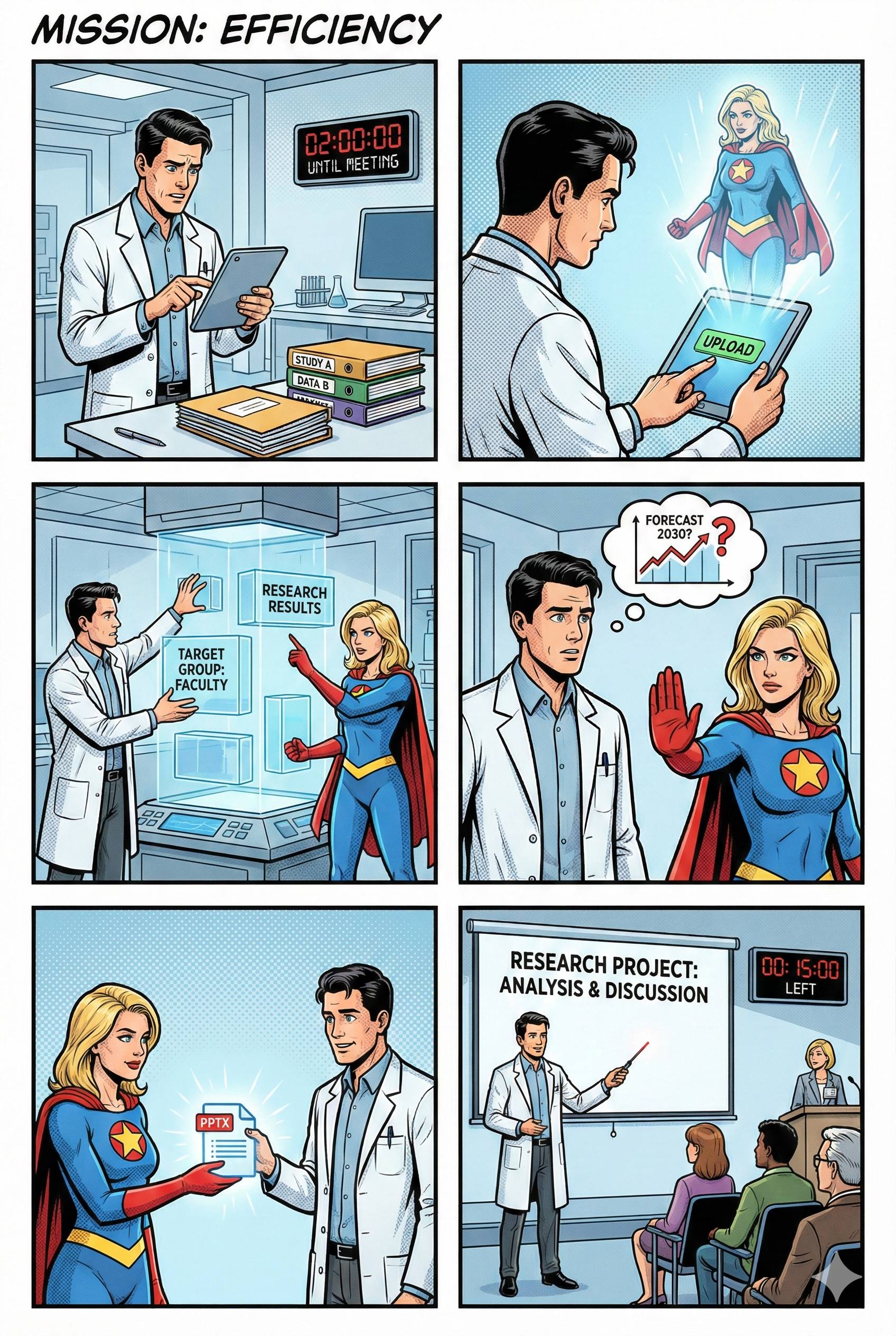
The presentation preparation tool helps you develop structured presentations based on existing documents. It analyses your uploaded materials and uses them to create a systematic outline with slides, bullet points and speaker notes.
Basic principle: The tool works exclusively with the content you provide. It acts as a structuring assistant that organises existing information but does not generate new content.
Range of functions#
The tool offers the following core functions:
- Document processing – Processing of PDF, DOCX, TXT, MD and PPTX files
- Structure development – Automatic creation of a presentation outline
- Iterative refinement – Dialogue-based adjustment and optimisation of the structure
- Export – Output as Markdown, PowerPoint or Word document
Operation#
1. Document upload#
Upload your source materials using the upload function. The tool supports PDF, DOCX, TXT, MD and PPTX formats. After uploading, the system analyses the content and creates an initial presentation structure.
Token capacity: The tool has a capacity of 200,000 tokens. The token display informs you about the current utilisation (documents, chat history and artefact).
2. Dialogue-based structuring#
In the chat interface, you can customise the presentation structure by giving specific instructions:
- Define presentation parameters (duration, target audience, context)
- Add, move or remove slides
- Set focal points and prioritise content
- Make structural adjustments
The system asks questions as needed to supplement missing information.
3. Artifact area#
The artifact area shows the current presentation structure in real time. After each change, a summary of the modifications is displayed. Version management allows you to undo the last five changes.
4. Export#
The finished structure can be exported in three formats:
- Markdown – Text-based structure file
- PowerPoint – PPTX file with slides and speaker notes
- Word – Formatted DOCX document
Application example#
Initial situation: You are preparing a management presentation for a project and have several project documents at your disposal.
- Upload: Upload all relevant documents
- Parameterisation: Define the framework conditions in the chat (e.g. ‘15-minute presentation for management with a focus on results and budget’)
- Iteration: Refine the structure with further instructions (e.g. ‘Expand the risk analysis’)
- Export: Download the structure as a PowerPoint file
Recommendations for efficient use#
- Upload all relevant documents at the beginning so that the tool can capture the complete context
- Formulate precise instructions for optimal results
- Use version management to try out different structure variants
- Note the token capacity for large documents
System limitations#
The tool explicitly does not offer the following functions:
- Generation of new content or facts
- Creation of visualisations or graphics
- Writing complete slide texts
- Persistent data storage (all data is only available in the current session)
Summary#
The presentation preparation tool serves as an intelligent structuring assistant for developing presentations. It systematically organises existing information, while the content design and final preparation remain your responsibility.